How to Use Membrane Visuals in Your Creative Projects
Home / Microscopic / Virus / Membrane
Browse the Membrane Collection
Introduction
Membrane visuals bring the invisible world to life — ideal for science communicators, educators, documentary makers, and digital designers.
This guide explores how to use the Membrane collection — 155 premium assets available in 4K/8K — across real creative workflows.
Visual Highlights
1 Micro 00 Virus on Membrane
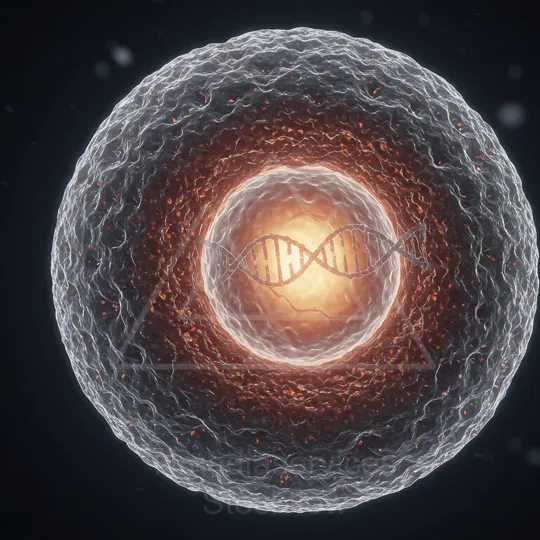
Micrographic illustration of a virus on a cell membrane with a glowing DNA double helix.
2 Micro 00 Virus on Membrane
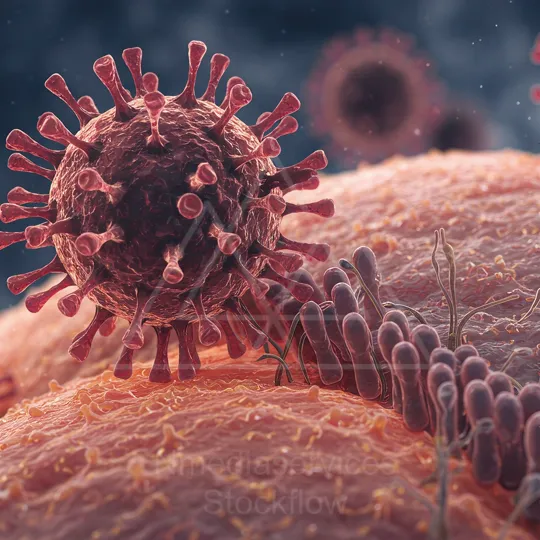
Close-up of a red virus particle with spike-like projections attached to a textured cell membrane.
3 Micro 00 Virus on Membrane
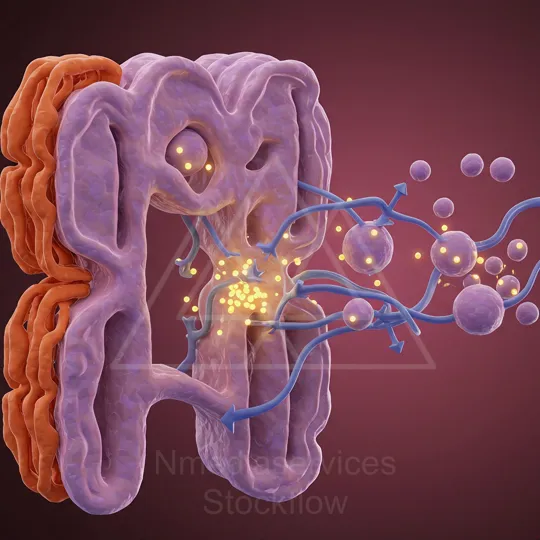
Illustration of virus particles interacting with and entering a cellular membrane.
Why Membrane Visuals Are in Demand
High-quality membrane footage is notoriously difficult to capture independently. Stock visuals from Stockflow.media give you instant access to professionally shot, royalty-free assets — saving hours of production time and thousands in equipment costs.
All 155 assets in this collection are:
- Royalty-free — no attribution required
- Available in multiple aspect ratios (16:9, 9:16, 1:1)
- Up to 8K resolution for print and up to 4K for video
- Instant download after purchase
Common Use Cases
- Science documentaries and biology explainer videos
- Educational YouTube Shorts, Instagram Reels, and TikTok content
- University lectures, online courses, and e-learning modules
- Science posters, museum displays, and exhibition banners
- Canva educational templates and presentation backgrounds
- Video podcasts covering biology, health, and technology topics
How to Use in Your Editing Software
Import MP4 files directly into Premiere Pro, DaVinci Resolve, Final Cut Pro, or CapCut as B-roll overlays. Drop JPEG images into Canva, PowerPoint, or Google Slides as background visuals.
Recommended workflow:
- Download the asset from Stockflow.media
- Import into your editing timeline or design canvas
- Resize or trim to fit your project format
- Add text overlays, voiceover, or music as needed
Supported File Formats
| Format | Use Case | Max Resolution |
|---|---|---|
| MP4 Video | Social media, YouTube, documentaries | Up to 4K (3840×2160) |
| JPEG Image | Print, Canva, presentations | Up to 8K (7680×4320) |
| Aspect Ratios | 16:9, 9:16, 1:1 | All resolutions |
Platform-Specific Tips
| Platform | Best Format | Recommended Ratio |
|---|---|---|
| YouTube | MP4 | 16:9 |
| Instagram Reels / TikTok | MP4 | 9:16 |
| Instagram Feed / LinkedIn | JPEG or MP4 | 1:1 |
| Canva | JPEG or MP4 | Any |
| PowerPoint / Google Slides | JPEG | 16:9 |
| Print (A1 Poster+) | JPEG 8K | Any |
Explore the Full Membrane Collection
Ready to add Membrane visuals to your next project?